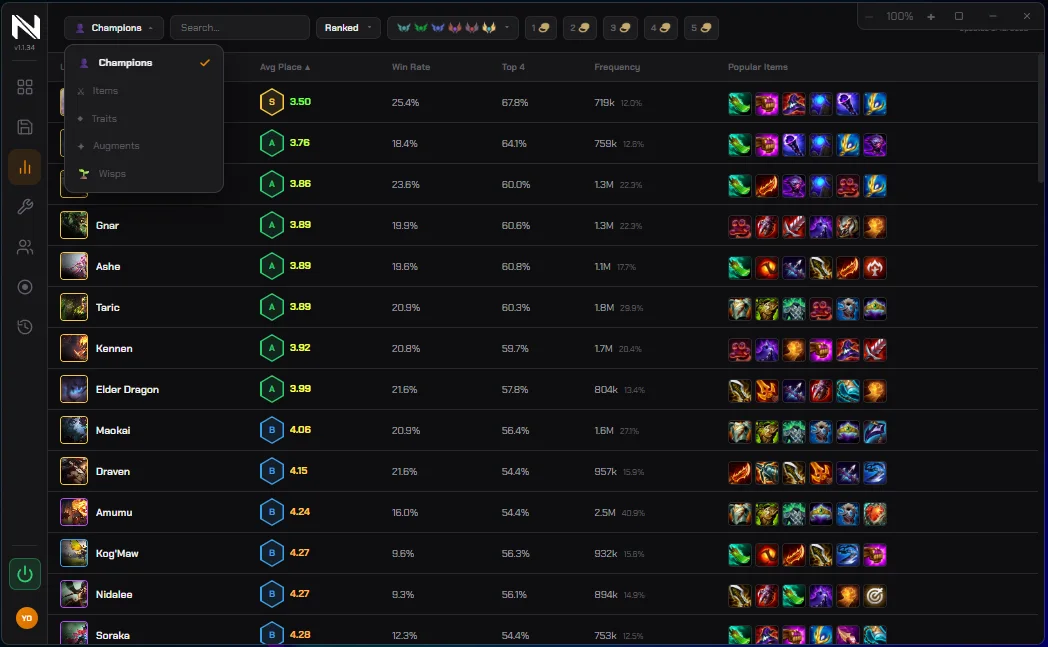
Statistics
Champions, items, traits, augments
Filtered by queue, rank bracket and cost — including the column a cheat sheet can't have: the items people actually build on a unit right now.
Two halves that hand off to each other: a desktop app you plan in between games, and an overlay that carries the plan into the round. One installer, no browser extension, no second account.
Every composition on the current patch ranked S to D, with the levelling it wants, the traits it hits, the units and their items, and the sample behind each number. Filter by queue, search by champion, keep a shortlist.
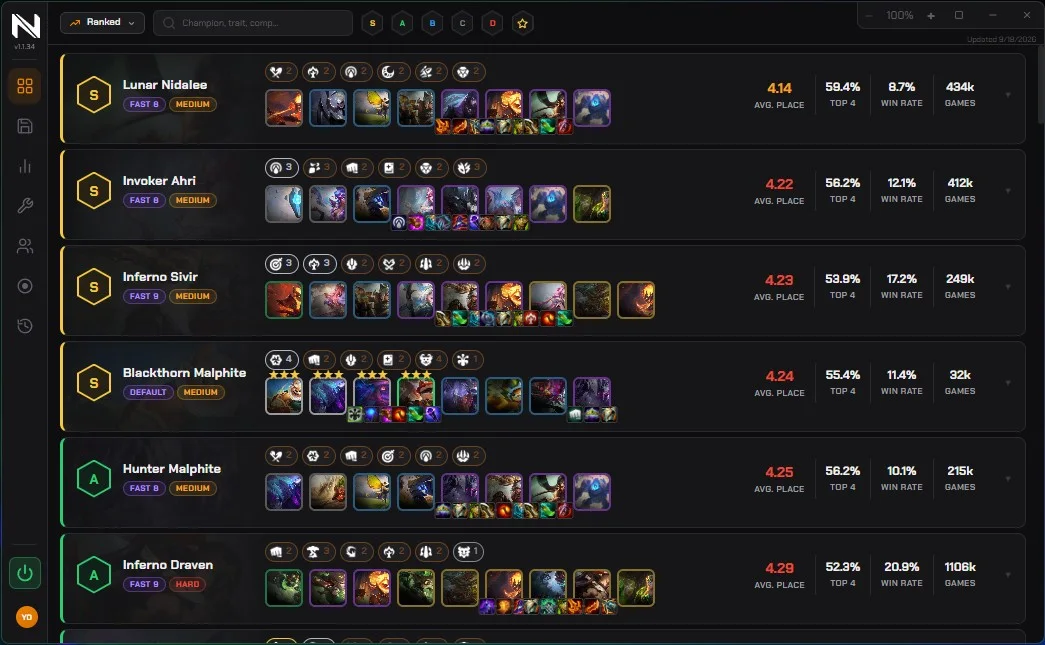
Filtered by queue, rank bracket and cost — including the column a cheat sheet can't have: the items people actually build on a unit right now.
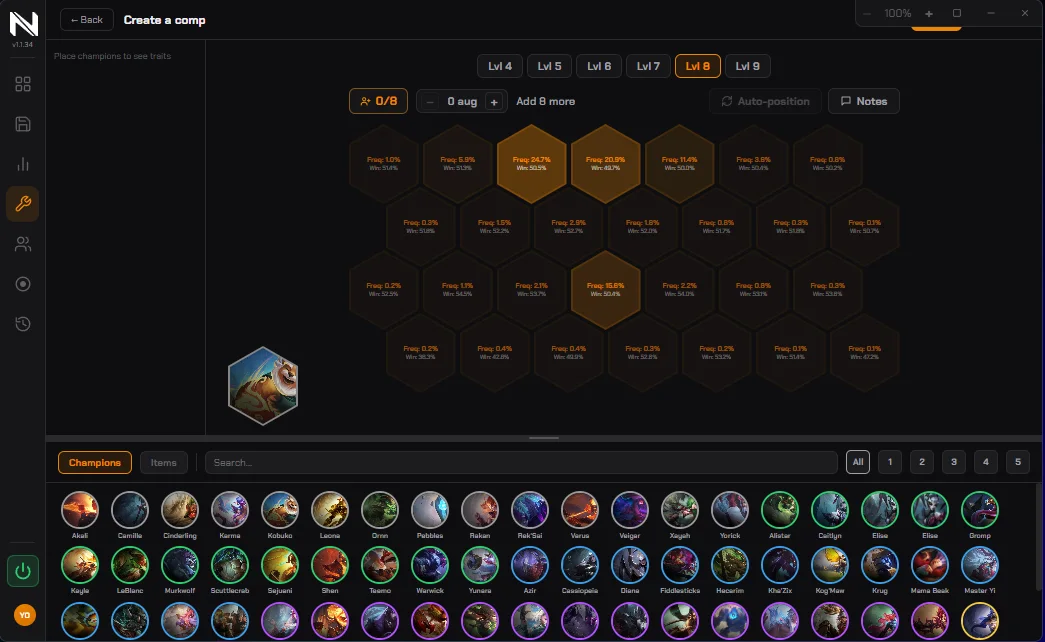
Place a unit and see how often it is put there and how that hex performs. Levels 4 to 9, items, augments and notes — and saved comps come into the game with you.
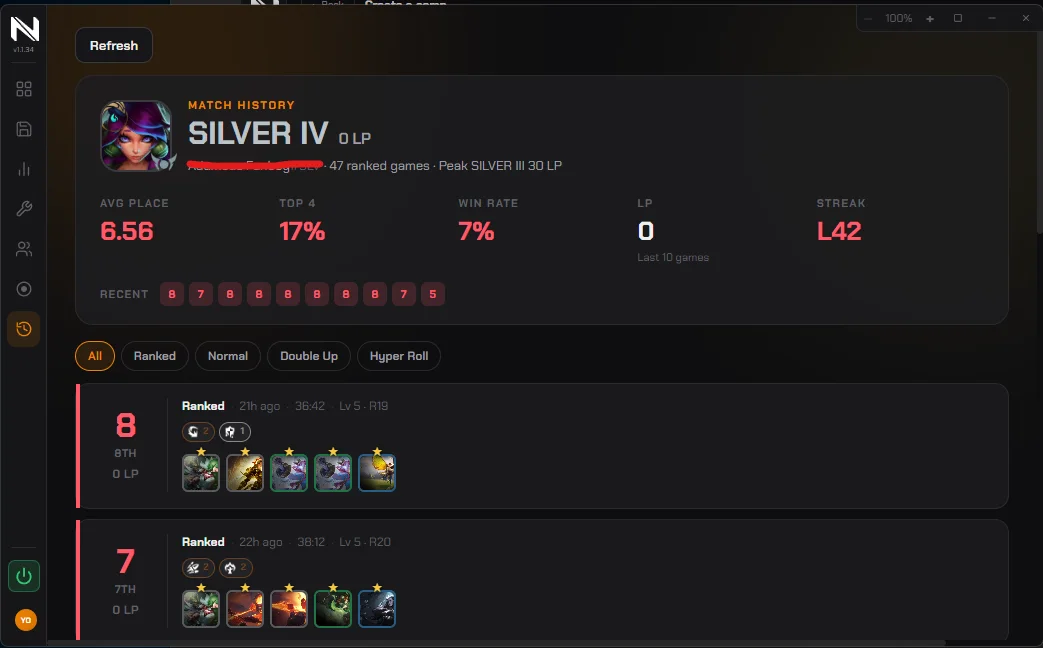
Placement, stage and the final board, for you or for anyone else. Ranked, Normal, Double Up or Hyper Roll.
The plan you made doesn't help if you can't see it at 4-2. The overlay carries it in, drawn on top of the game.

The number that decides whether a roll-down is a plan or a prayer.
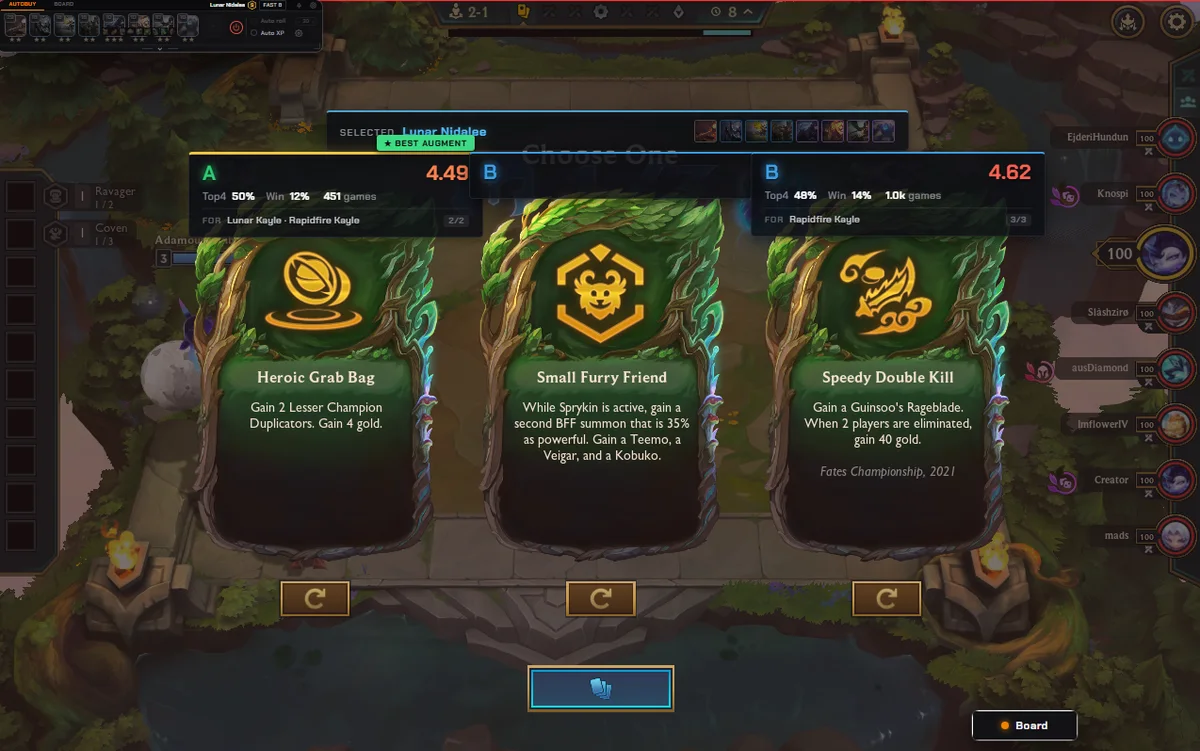
All three offers scored for the board you're on, not averaged over everyone's.
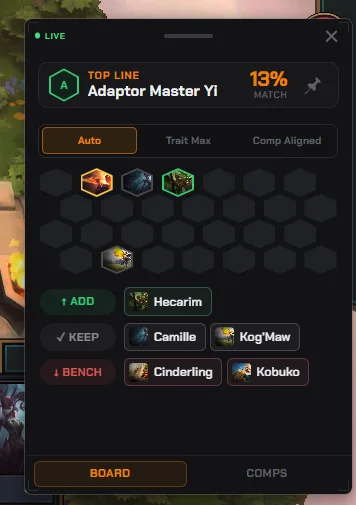
Which comp you're closest to, and the ones you can still reach from here.
Auto-buy and auto-position are input automation, and Riot's rules neither forbid them in writing nor explicitly allow them. They ship off by default. Our ban rate today is zero, but that depends on a policy Riot can change, and we won't pretend otherwise — every information tool above works with them switched off.
